
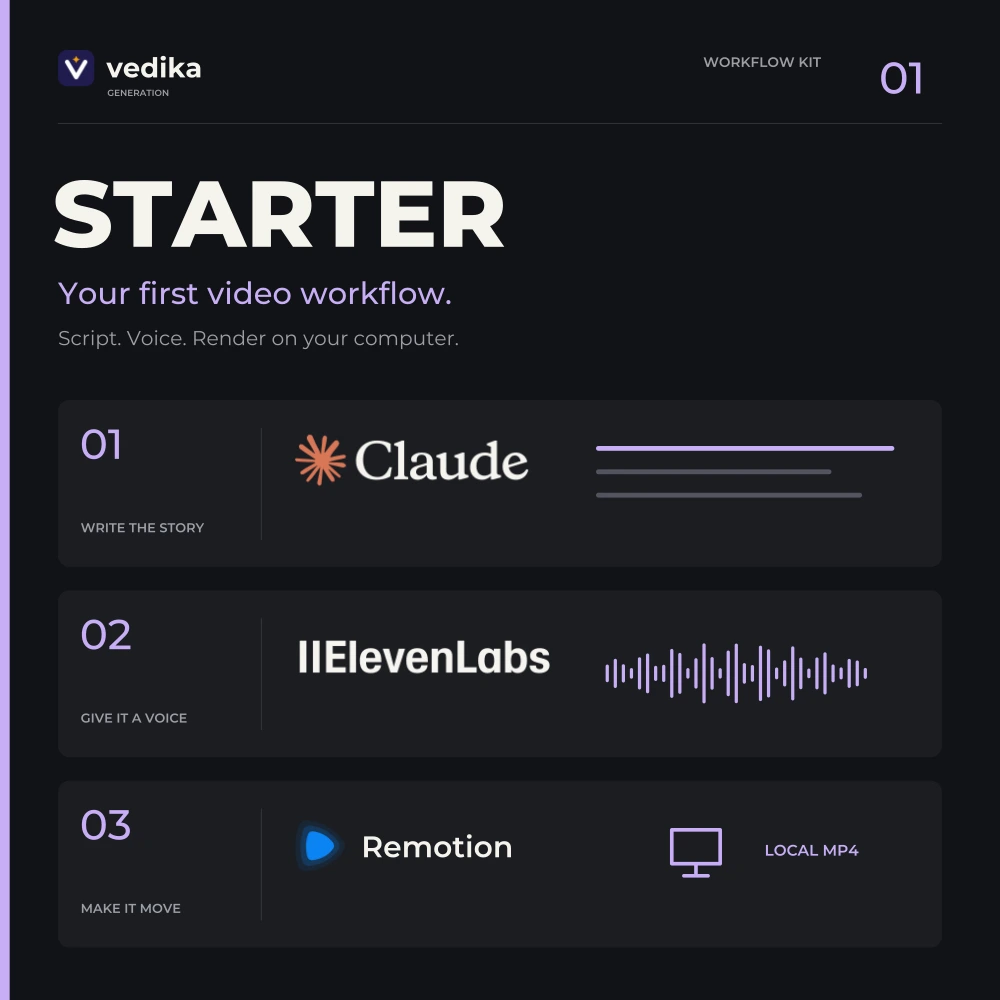
Claude + Remotion. Your video workflow.
Build your ownAI video workflow.creative studio.storytelling engine.motion design toolkit.signature video style.script-to-screen workflow.next great explainer.AI-powered production.ideas in motion.creative independence.
Create AI videos with Claude + Remotion.
Get source files and illustrated setup guides.
Kits from ₹499 · Pay once · API credits separate
Preview the guide & source ↗FEATURED FILMENGLISH · 6:34
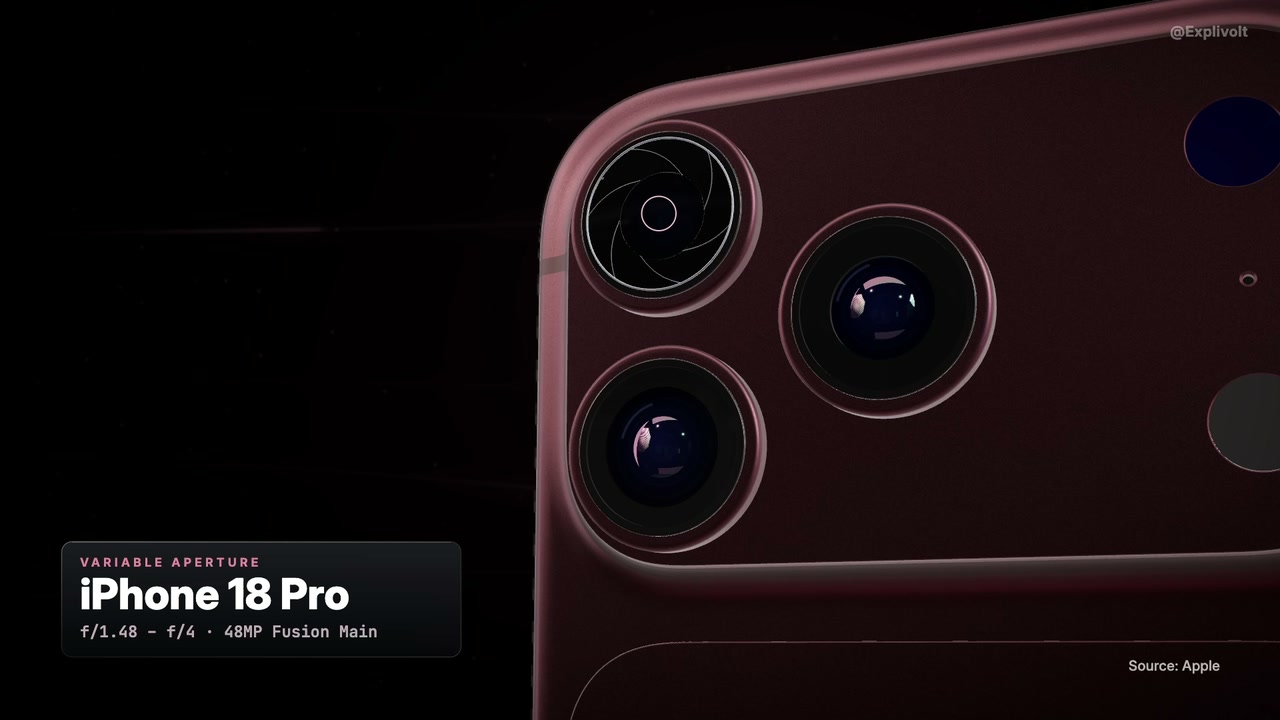
iPhone 18 Pro: variable aperture
A film by Vedika Generation · Film details ↗


 Remotion


Start small. Think big.
Pick your creative toolkit.
One-time purchases.
Your own tools and accounts.
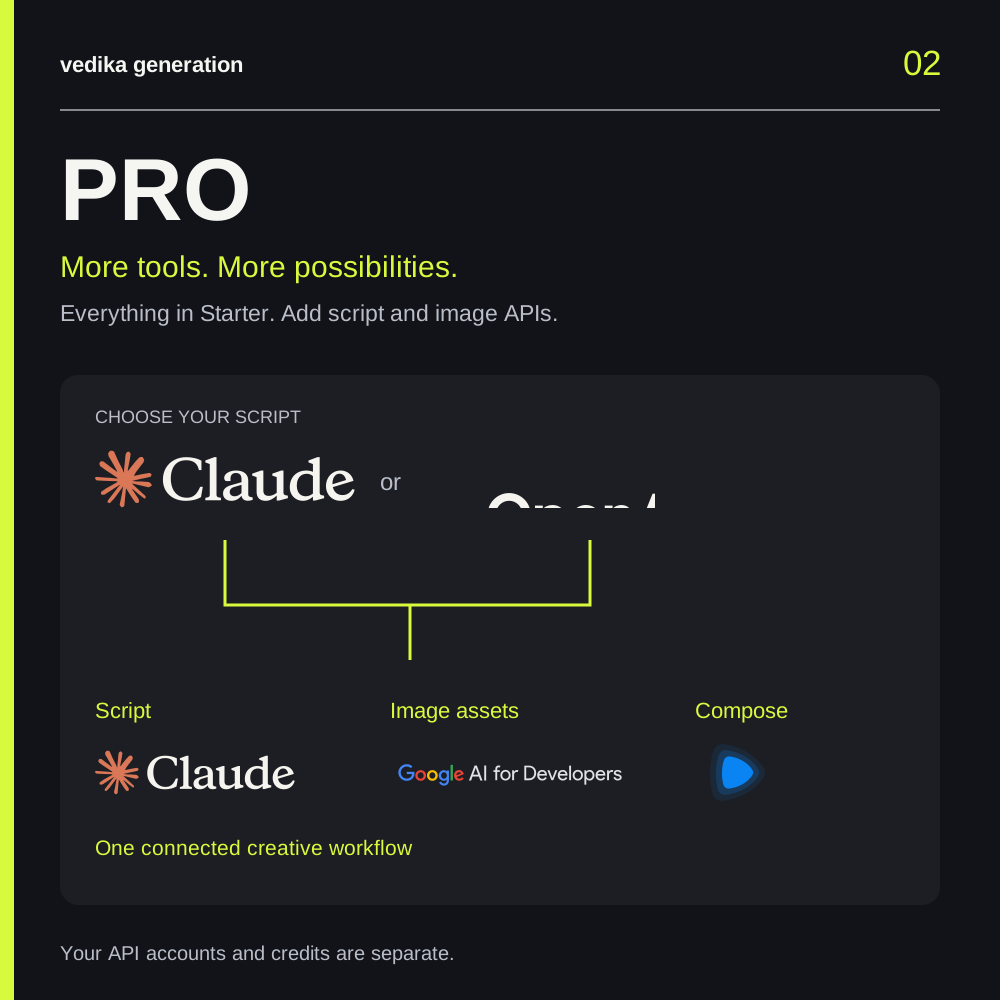
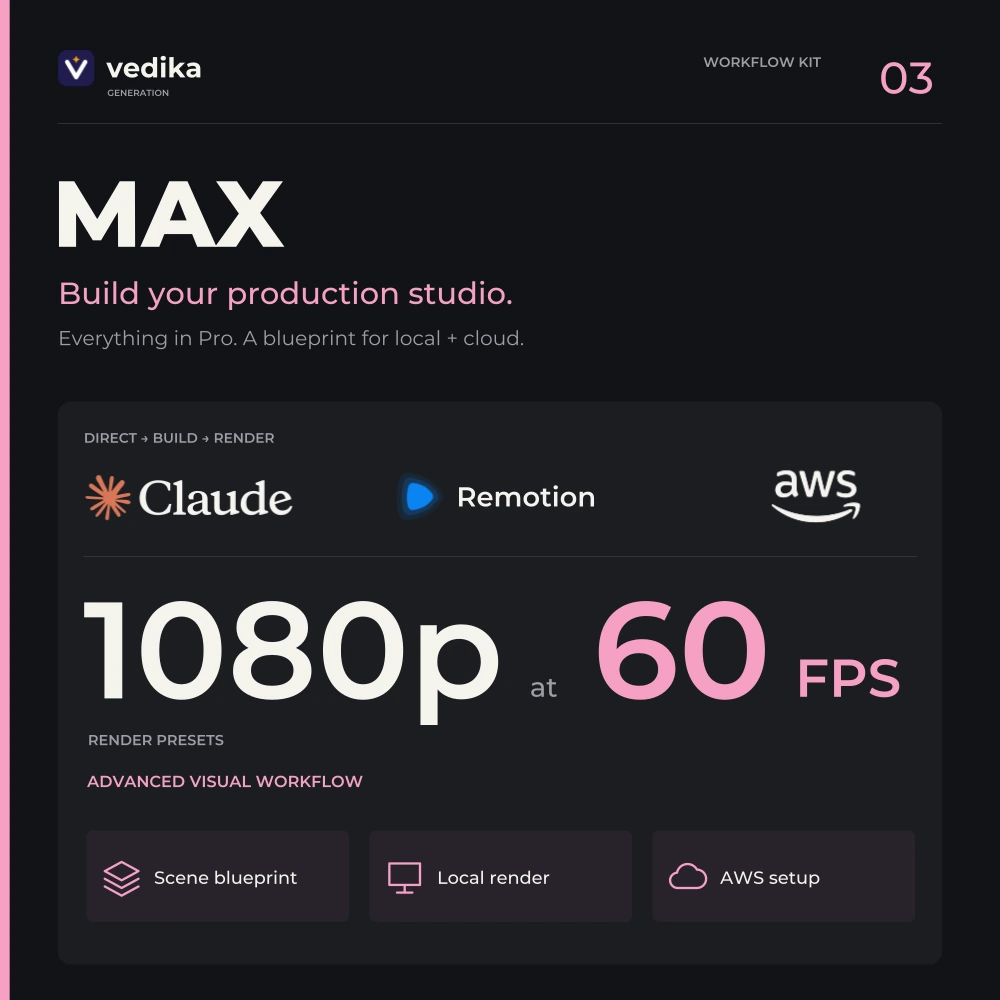
Pay once. Keep the files.Self-guided setup · Basic terminal useYour API credits cost extraPreview the free sample ↗
Open it. Explore it. Make it yours.
See what you get.
Before you buy.
A real guide. Editable scene source.
Explore a small part of Starter, on us.
- Read the guidePreview 3 pages from the full Starter kit.
- Open the sourceChange the text, colors and timing.
No email, card or API key required.
What does the sample include?
Editable scene source and a PDF guide preview. No video file is included. Follow README.md for the sample commands; the PDF previews the full paid-kit setup. Script generation, AI voiceover and cloud tools are part of the paid workflows, not this source preview.
From the Starter kit
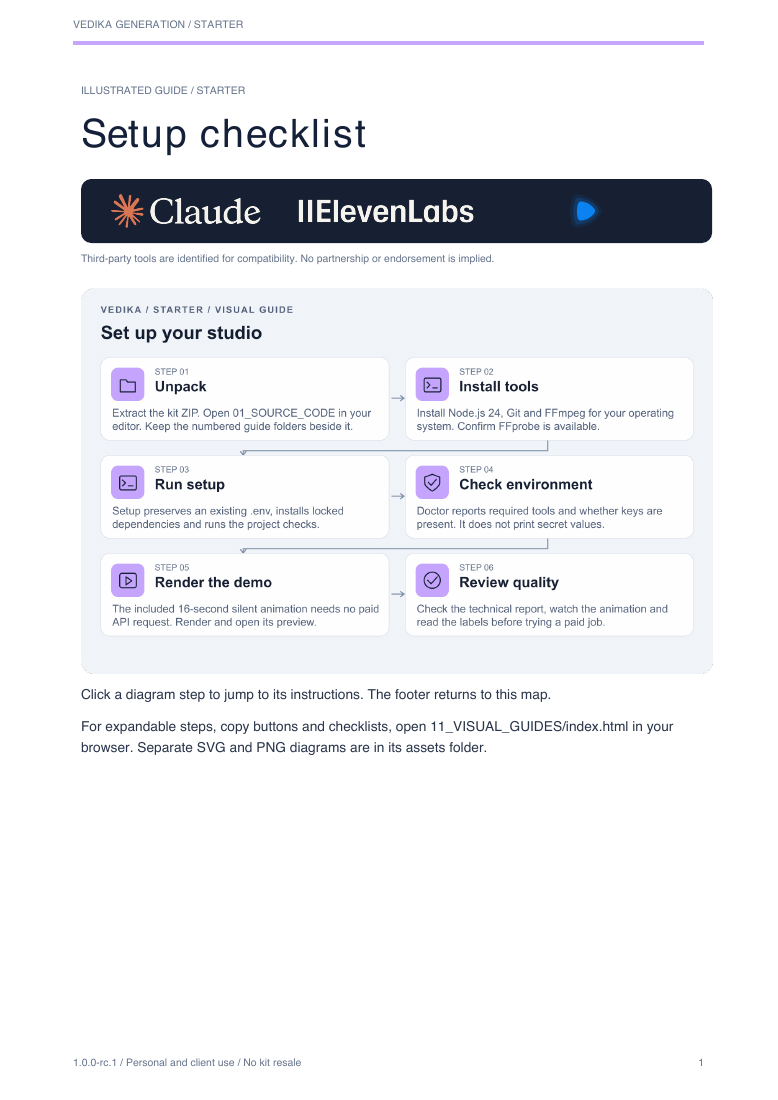 Open the illustrated guide PDF · 3 pages ↗
INSIDE YOUR CREATIVE TOOLKIT
A clear path.
From files to first film.
Source code. Illustrated PDF guides.
Interactive guides you open on your computer.
Set up your kit
Step 1 of 4Open your studio
Extract your kit. Open OPEN_GUIDES.html for illustrated instructions, or open 01_SOURCE_CODE to begin working with the project.
00_START_HERE → 01_SOURCE_CODECompare production workflows
THE LOCAL CREATORWORKFLOW PREVIEW
WriteNarrateComposeLocal export
Your local video workflow
Claude script → ElevenLabs voice → Remotion → local MP4.
Explore Starter contents →On your computer
Mac, Windows or Linux. Start with 8 GB RAM and several GB of free storage. Complex scenes may need more memory. Max includes optional AWS setup instructions.
Your keys. Your control.
All templates use placeholders. API usage, cloud hosting and any required third-party licenses are paid separately through your own accounts.
Create for yourself & clients
Use the source to produce personal and client videos. The kit source, templates, guides and packaged assets may not be redistributed or resold.
THE WORK SPEAKS
See the craft.
Watch the real videos.
From our creator portfolio.
Explore the original Instagram posts.
Made with Max
From sand to silicon chip
View on InstagramMade with Max
Inside a fingerprint sensor
View on InstagramMade with Pro
Does 200MP mean a better photo?
View on InstagramMade with Pro
Google Authenticator, offline
View on InstagramWatch films with context
Our portfolio illustrates these workflows. Your results depend on your tools, assets and creative decisions.

The person behind the workflow
Built by Ved. For creators.
Vedika Generation is operated by Vedprakash Shyamcharan Vishwakarma. Explore our original videos, inspect the sample, and ask a question before choosing your kit.
You may see the operator’s legal name on Razorpay. Your order description identifies your Vedika kit.KNOW YOUR WORKFLOW
Start with a clear plan.
GOOD TO KNOW
Before your next big idea.
What am I buying?+
A one-time collection of workflow guides, configuration templates and project materials. You create videos with your own tools and provider accounts.
Do I need to sign in to buy a kit?+
No website account is required. Choose your kit, accept the purchase terms and open secure Razorpay checkout directly on this page.
Are API credits or AWS charges included?+
No. Claude, OpenAI, ElevenLabs, Google and AWS charge separately under their own terms. Kit prices cover the listed workflow materials.
How will I receive my files?+
After Razorpay confirms payment, your private order page unlocks a ZIP containing project source, illustrated PDFs, interactive browser guides, setup instructions and .env.example templates. Save the order link and download your files. If you close checkout, return using the existing-order link on the kit review page in the same browser. Enter your delivery email at checkout to receive the same private download link after payment. Check your inbox and spam folder.
Can I use it for client work?+
Yes. Your license allows personal and client videos, subject to third-party rights. You may not redistribute or resell the kit source, templates, guides or packaged assets.
Does the kit contain private API keys?+
No. You use your own keys. The configuration template contains placeholders; keep your completed .env file private and out of shared folders.
Is setup done for me?+
The kit provides instructions and configuration materials. You install the tools and connect your accounts. AWS setup guidance is included in Max; a managed installation service is not included.